Facebook is currently a large social networking platform with billions of users, and video is the most viewed content format. According to Facebook, they have more than 3.05 billion monthly active users, of which there are about 4 billion video views worldwide every day. With this huge scale, many Facebook account owners often wonder if there is a way to know who has viewed their videos. The short answer is: it depends on the content format (Regular Video, Story, Reels, Live). In this article, SOC LUA will help you identify the above video formats and find out How to see who viewed Facebook videos.
When does Facebook not show the list of people who viewed the video?
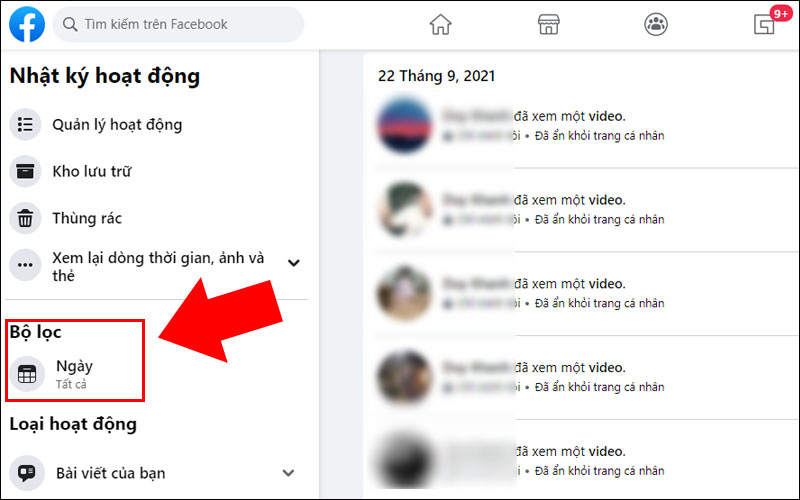
The key thing for you to know is that Facebook doesn’t let you track who viewed your profile or posts in general. Third-party apps can’t provide that feature either. Facebook makes this clear in its Help Center: the platform doesn’t track who viewed your profile or content, and any tool that claims to do so is unreliable. Facebook’s approach is to show you aggregate metrics (views, reach, anonymous demographics, etc.) rather than a “who viewed” list for most formats, with the exception of some specific content like Stories or posts in small groups that have the “Seen by” feature enabled.
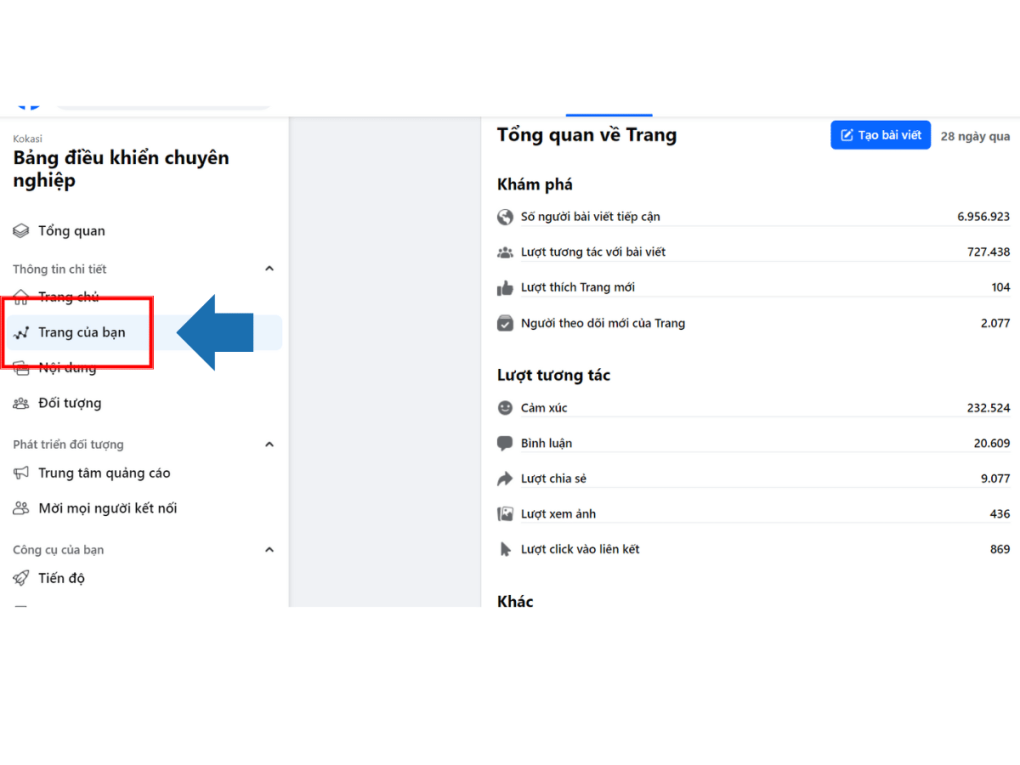
For videos that are usually posted to News Feed or Fanpage, you will have Video Insights at the aggregate level of 3s/minute views, unique viewers, average viewing duration, geographic location... via the Insights/Meta Business Suite interface or via Graph API. These figures help you know how many people have watched and which group they belong to, but do not list the names of each viewer.
Why doesn't Facebook show the list of people who viewed the video?
According to users and experts, Facebook hides the identity of video viewers to protect users' privacy. Most videos posted on personal pages, Fanpages or groups only show the number of views and interactions (likes, comments, shares). You cannot see the names of each person who has viewed the video, unless they have directly interacted with that video.
In other words, if someone watches your video without interacting (no likes, no comments), you wouldn’t know who they are. So, usually you only know who watched your video indirectly through view and interaction figures. Facebook doesn’t provide any official tools to get a list of people who watched a video, this policy applies to most common types of videos on Facebook.
In short, there is no trick, app, or “hack” that will show who has viewed a video on Facebook. Rumors or third-party software that promises to do this should not be trusted, as they violate Facebook’s policies.
Distinguish Facebook videos by format and how to see who viewed Facebook videos?
In fact, the question “How to see who viewed Facebook videos?” has to be split by Facebook video formats, because you can only see the viewer list on some specific video types.
- Regular videos (posted on personal pages, Fanpages or Professional mode): You can see aggregated data via Page/Professional Insights or Graph API, but there is no list of names of people who viewed. If someone comments/likes/shares, you will see their account because it is a public interaction, but people who only view but do not interact will not be shown.
- Story: This is the notable exception. For photos and videos posted to your Story, you can see a list of people who viewed it for as long as the Story is public (24 hours from the time you posted it). To see the list of people who viewed it, open your Story, tap “Viewers” in the bottom left corner to see the list of people who viewed it.
- Reels: You won't be able to see a list of who viewed your Reels, but you can see views and performance metrics for your Reels in Insights (when posting in Fanpage/Professional mode). For other people's Reels, Facebook will only show the number of views, not the viewer's name.
- Live: During the broadcast, you see the number of viewers, comments, and interactions. However, after the broadcast ends, the analytics only retain aggregated data such as peak viewership, total minutes watched, retention rate, etc., but do not provide a complete list of names of people who watched. This has been the way Facebook has long operated; many guides for creators and marketers confirm that you do not have a list of viewers after the Live ends, only aggregated statistics.
- Group posts: If the group has “Seen by” enabled and is under 250 members, people in the group can see who has viewed posts (including videos). Once the group grows beyond this threshold, Facebook will no longer display the list of people who have viewed it.
How to see who viewed videos on Facebook Story?
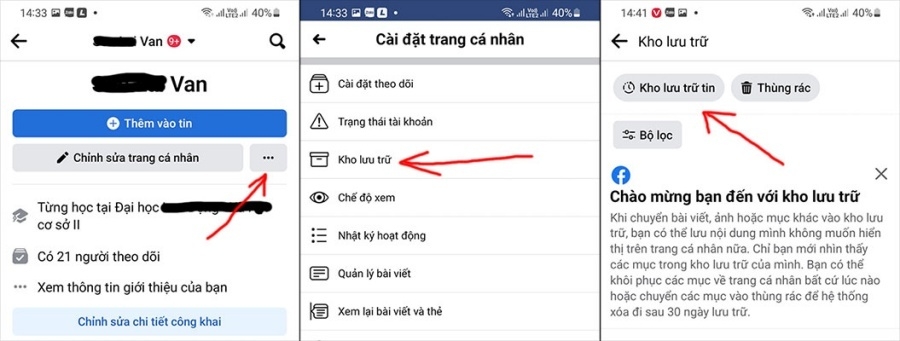
Facebook Stories is a feature that allows you to post photos and short videos that last for 24 hours. The special thing about Stories is that you can see a list of people who have viewed your story. If you want to know who has viewed your Facebook Story, follow these steps:
- Open Facebook and access your Story. Go to your Facebook home page (app or web), then find and open the Story you posted. Stories have icons that appear at the top of your News Feed or profile page.
- Swipe up or tap to see your viewer list. Once your Story is open, simply swipe up (on mobile) or tap “See More” (if available) to open your viewer list. Here, you’ll see the profile picture and name of each person who has viewed your Story. The list is sorted by watch time (most recent viewers at the top).
In your Story viewers list, you may see “Other Viewers” or “Other” instead of a specific user name. This happens when someone who isn’t on your friends list viewed your Story, and your Story is set to public. Facebook groups these viewers into the “Other Viewers” group to keep them private. If you set your Story to friends, only your friends will be able to see your Story.
So, with Facebook Stories, you can see exactly who has viewed it (at least for 24 hours after posting). However, remember that Stories will automatically disappear after 24 hours if you don’t save them as “Highlights”. After that, Facebook will still keep the overall view count and interactions (if you save the Story to your Archive), but the list of viewers will no longer be visible to the public.
Frequently Asked Questions
There are currently no official apps that can provide a list of video viewers. Apps or websites that advertise this feature are often untrustworthy and could compromise your account or even violate Facebook’s policies. You should avoid using them.
You should post videos during peak activity times, use engaging content in the first 3 seconds, combine with clear captions and encourage viewers to like, comment, and share. In addition, use the Story or Live feature to reach more viewers and check feedback more easily.