Views on Facebook is an indicator that reflects the number of interactions that your content reaches and attracts users on the platform. This number is not only a statistical number, but also shows the popularity and effectiveness of the post or video you share. Currently, tracking and counting Facebook views online has become important for both individuals and especially businesses. Thanks to Facebook Counter tools, we can easily capture the number of views in real time to evaluate content performance and build strategies to improve interactions. In this article, SOC LUA will introduce the information you need to know and suggest some online Facebook Counter view counting tools.
What is Facebook views?
Facebook views, simply put, are the number of times your content has been seen or played by others. Depending on the type of content, the way views are calculated can also be slightly different.
For videos, Facebook records each view when a user watches the video for at least 3 seconds. For status posts that only contain images or text, views can be understood as the number of times the post appears on the user's screen and are counted more if a person views it multiple times.
Do Facebook views matter?
Views are not just a decorative number. For professional users and businesses, they reflect the appeal and attractiveness of the content.
Content with a high number of views shows that it has a wide reach and attracts a lot of attention from the community. On the contrary, if the number of views is low, your post or video may not be attractive enough or the reach is limited.
Therefore, tracking views helps us measure the popularity of content and thus evaluate the effectiveness of communication strategies. For example, a business can rely on views to know whether their promotional videos reach many potential customers or not. For content creators, high views mean that their posts have been viewed by many people and thereby promote the development of their personal brand. This is the motivation for creators to continue to develop quality content.
In addition to measurement, views are also closely related to other interaction indicators. Usually, the more views a content has, the greater the likelihood of more likes, comments, and shares. This creates a cycle, more views help the article be prioritized by Facebook's algorithm to be displayed on other users' newsfeeds, thereby attracting more interactions, and high interactions attract even more views.
In short, views on Facebook are an important measure for each individual and organization to understand their influence on this social network, and at the same time, it is the basis for optimizing content to suit viewers' tastes.
Facebook view Counter online tool
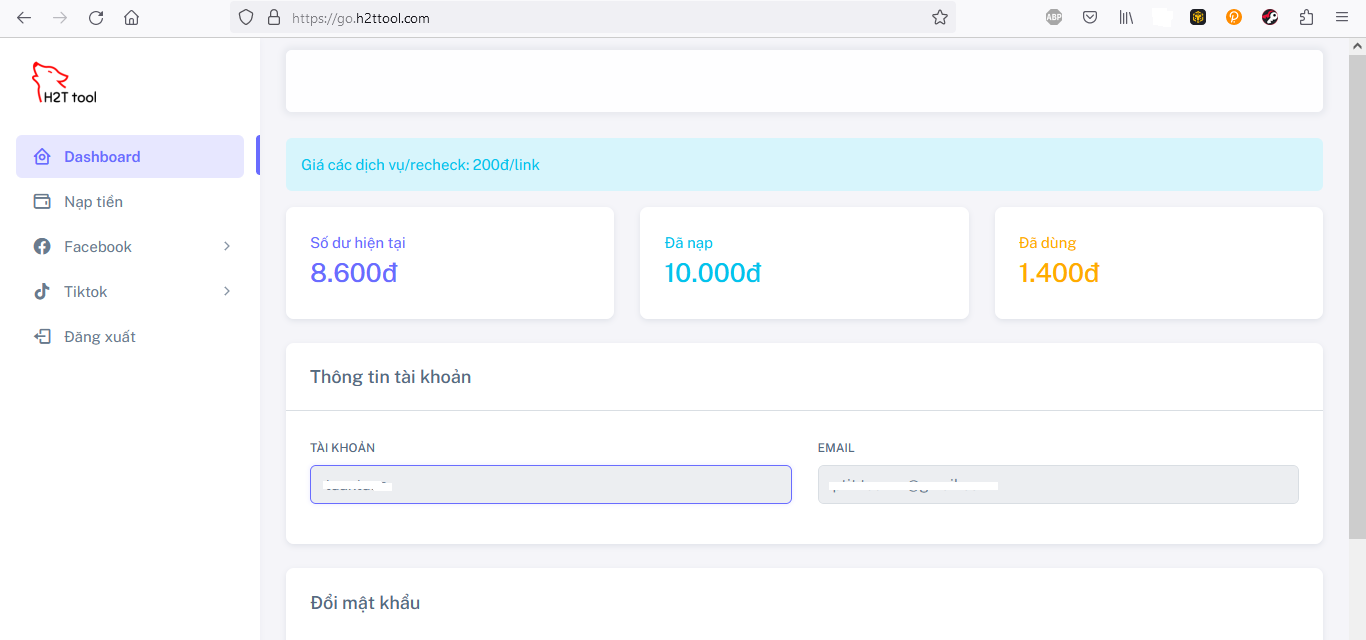
While Facebook has its own built-in features, you can also look for some third-party Facebook Counter tools to help you count and display Facebook post views. These tools are developed to provide convenience and visualization for tracking metrics. Here are some of the popular and preferred tools:
- Facebook Like/Follower Counter (Physical Counter): Smiirl is a good example, this is an internet-connected counter that syncs with your business Facebook page to update the number of followers in real time. Every time someone clicks to follow the page, the Smiirl counter will flip the number up. Tools like Smiirl help businesses show off their popularity on social networks, while also encouraging people around them to follow the page. However, these devices often focus on counting likes/followers, not directly counting content views. Nevertheless, this tool still shows the interest of the community and indirectly shows that you have many viewers and supporters.
- Widgets and plugins that display Facebook statistics on websites: Many website administrators integrate Facebook statistics such as post views, shares, and page likes directly on their websites as a form of proof of popularity. There are services that provide widgets that embed code into websites to display these numbers. For example, ElfSight provides a Social Media Counter plugin that can be attached to a website or even a custom tab on Facebook, allowing statistics such as the number of visits, most viewed pages, or the number of people online. Such utilities help web visitors see the popularity of related Facebook content, creating more trust when seeing that the content has been viewed by many people. If you are a blogger or running a news site, you can also use Facebook share buttons with a counter for the number of article shares, thereby letting readers know which articles are shared and viewed a lot on social networks.
- Social media analytics tools: For professional marketers or fanpage administrators, third-party analytics tools such as Emplifi, Sprout Social, Hootsuite or MISA AMIS all provide convenient Facebook statistics and comparison capabilities. You can connect your Facebook account to these platforms to track video view charts, follower growth, interaction rates, etc. and also compare with competitors. Some free tools such as SocialInsider also allow you to quickly view basic Facebook Reels statistics such as total views or interactions of Reels on the page. These tools are quite useful when you need in-depth reporting, data export or have many social media channels to manage at the same time. However, for ordinary users, these tools can be a bit complicated and often require English or premium fees. So if your need is just to see simple views, Facebook's free tools like Insights are probably enough.
- Tools to support livestream and video: Some parties also often create utilities to serve the needs of livestreaming to sell products or organize minigames on Facebook. For example, GoStream - a popular livestream platform - provides a free livestream statistics tool, allowing livestream hosts to know the male/female ratio in the number of viewers, the total number of comments and shares during the livestream. These data are not displayed directly on Facebook, but through GoStream you will have a more specific view. Similarly, software such as Fplus or iClick supports data collection such as the list of people sharing articles, statistics on the number of shares to serve the awarding of minigames. Although these tools focus more on sharing and interaction than pure views, they help you better understand who is most interested in your content. For video, there are services like Vidyard or enterprise video managers that allow embedding Facebook videos and tracking view counts through their platforms, but these are professional solutions that few average users need.
What should you keep in mind when using a third-party online Facebook Counter view counter?
When connecting your Facebook account to any third-party apps or services, you need to be careful about privacy and security.
Do your research to ensure that the tool is reputable and has good reviews. Be careful to avoid giving access to Facebook to unknown apps, as they may collect personal data or even hijack your account.
Facebook currently does not allow users to see who has viewed their profile, and apps that claim to do so are in violation of Facebook’s policies. You should only use tools that offer transparent functionality, such as counting views and likes publicly. Never trust apps that promise to tell you who has “hiddenly viewed your Facebook,” they are often inaccurate and potentially dangerous.
Câu Frequently asked questions
Not all Facebook posts display their view counts publicly. Typically, videos and Reels display their view counts below the post. However, photo posts or text-only statuses on your profile usually don't display their view counts publicly.
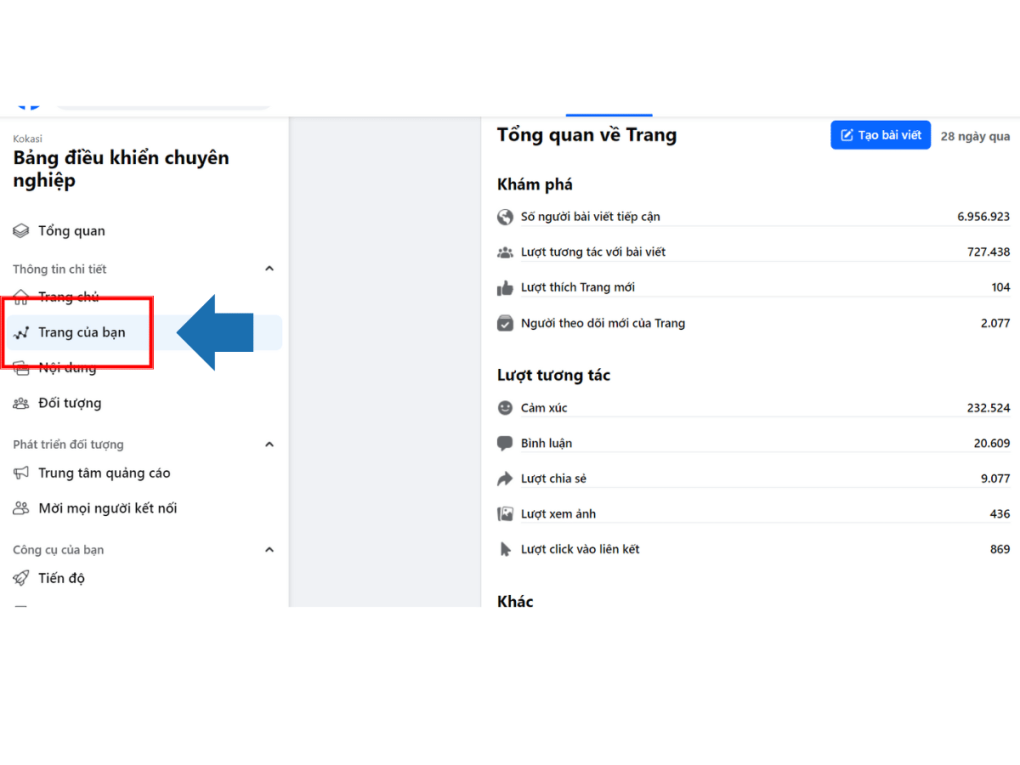
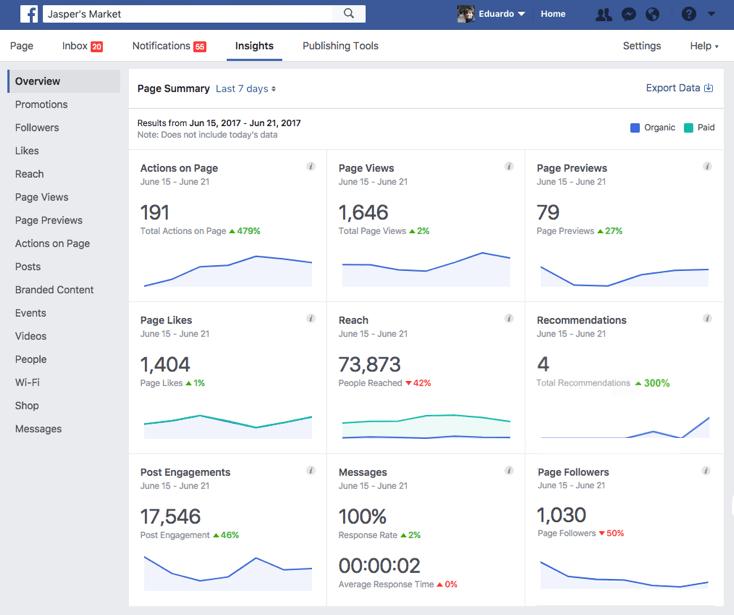
To see the views of your Fanpage, you can go to the Insights section on the Page. Here, Facebook provides Page Views, which shows the number of people who visited your page in a period of time, as well as view statistics for each post and video.
There are many advertising services that promise to increase Facebook views quickly, but you should be careful. Some websites or applications that advertise “increasing views for free” often use unclear tricks such as exchanging views between users, using fake accounts. These views do not have real interaction value and may violate Facebook’s policies. The best way to increase views is to focus on creating quality and systematic content.